
apps · ai
AI Hair Analysis: What It Can and Can'tTell You
AI hair analysis can estimate face shape, hairline, texture, and density from a photo, but it can't diagnose hair loss. How it works and how to use results.
Hairover Team
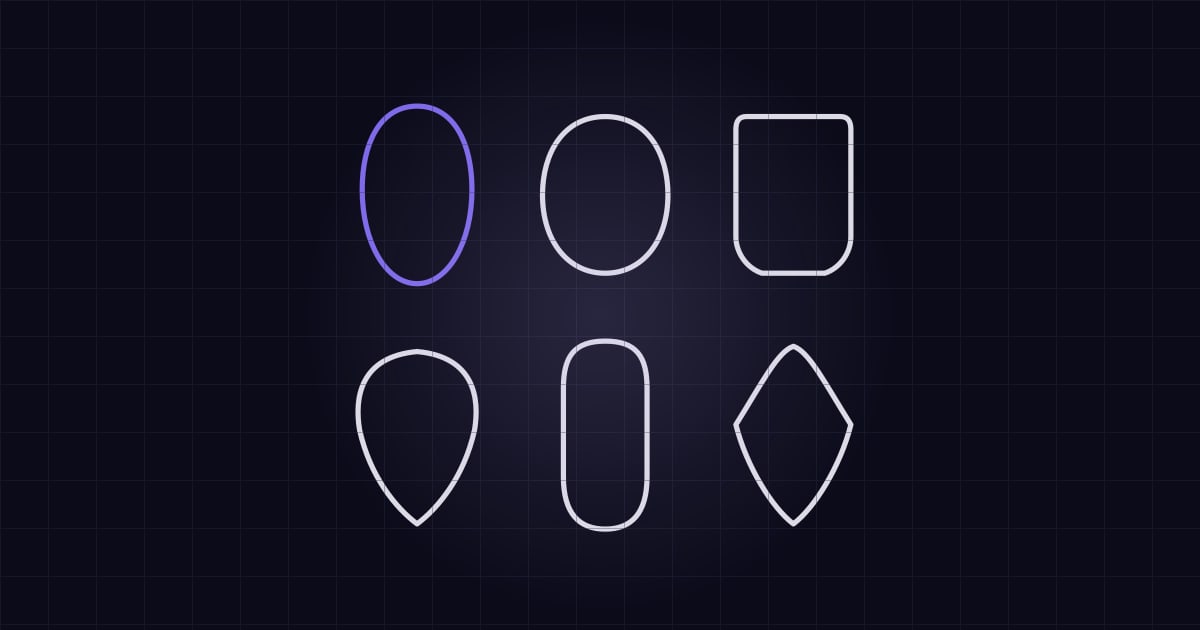
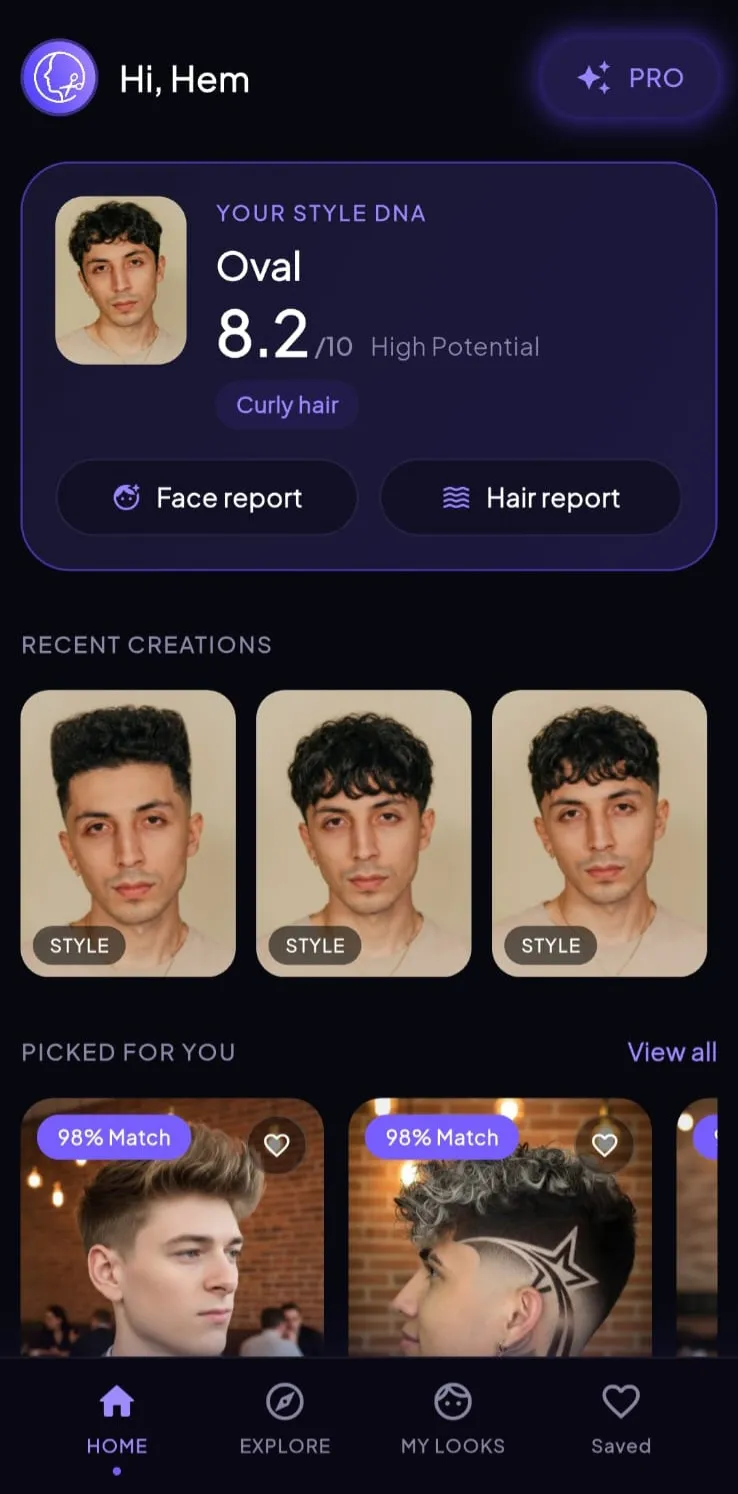
AI hair analysis looks at a photo and estimates what’s visible: your face shape, hairline, hair texture, length, and density. Some apps use those estimates to rank hairstyle suggestions. It’s a quick way to get a starting profile and vocabulary for a salon visit, but it can’t feel your hair, and it can’t diagnose hair loss or scalp problems. How useful it is depends largely on your photo.
What a photo can show
A clear, well-lit picture can reveal:
- Outline: the proportions that lead to a face shape estimate.
- Hairline: where it sits and how even it looks.
- Length: where your hair falls right now.
- Visible texture: straight, wavy, curly, or coily, as it looks in that moment.
- Apparent density: how much scalp shows through.
These are all things a stylist would also notice when you walk in. The difference is that an app gives you a quick, structured summary before your appointment.
What a photo can’t show
How your hair feels. Coarseness and softness are physical. So is the difference between fine strands and low density, which can look similar in a picture.
Porosity and condition. Whether your hair takes in moisture or holds on to color isn’t visible from a selfie. Even the popular at-home version is unreliable, as we explain in our hair porosity test guide.
Why something is happening. A photo might show less hair around your temples. It can’t tell you why. If you’re seeing new shedding, patches, or scalp pain, talk to a doctor or dermatologist. The American Academy of Dermatology notes that without an accurate diagnosis, treatment is often ineffective.
How you live. An app won’t know you swim every morning, wear a helmet, or refuse to own a blow dryer, unless it asks.
Why results can change between photos
A few factors can make a big difference:
- Light. Side lighting creates shadows that can change the apparent face shape.
- Angle. A camera held above or below can alter proportions.
- Lens distance. Very close selfies can distort your features.
- Styling. Wet hair, slicked hair, or a tight ponytail changes visible texture and density.
If you get a surprising result, take a second photo in different light before you believe it. Our photo guide shows how to take one that gives the app the most to work with.
From analysis to recommendations
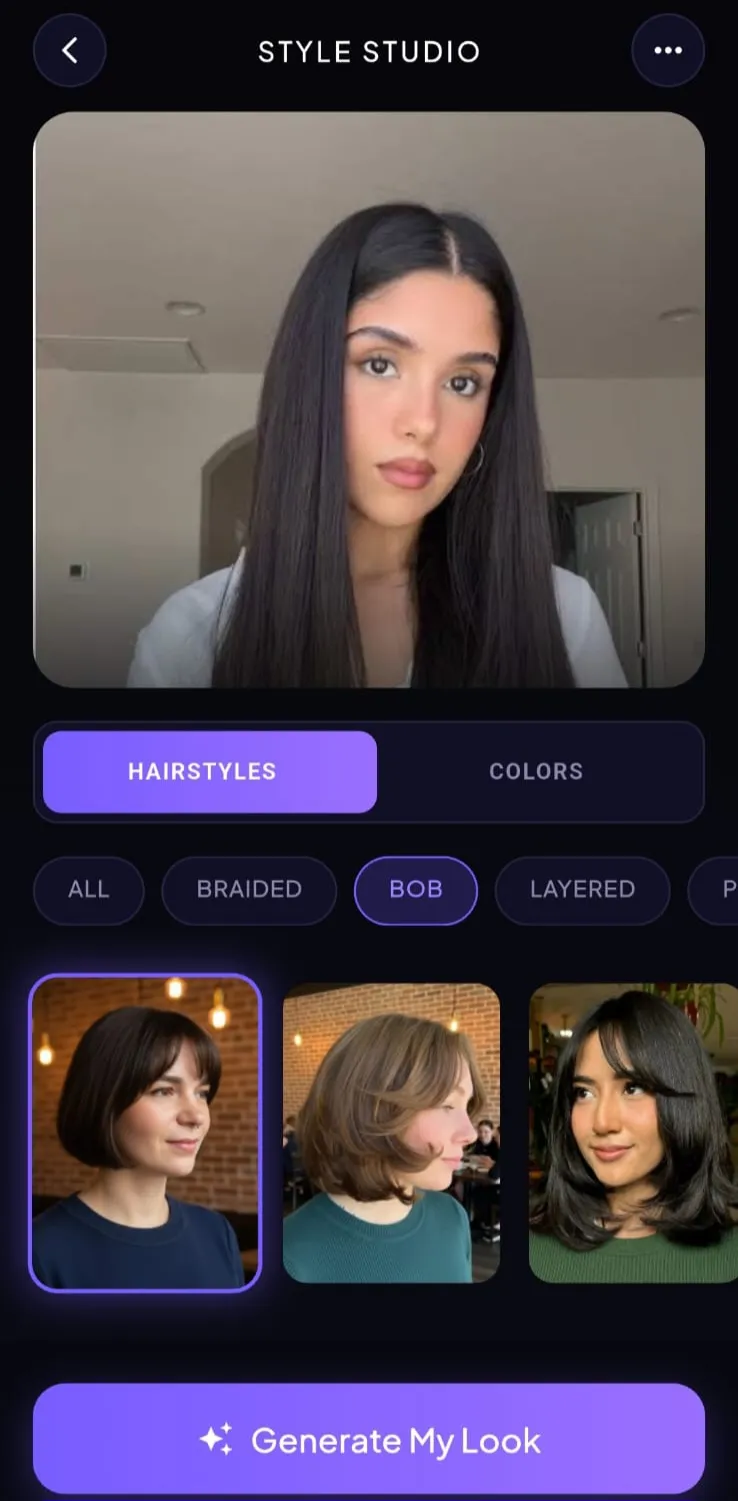
An analysis alone is just a description. It helps when it changes what you see next. In Hairover, the analysis feeds recommendations with a match score and a short reason each style may suit you, so you can ask “why this one?” instead of only scrolling.
A score is a helpful sorting tool, but don’t treat it as a verdict. If you love a look with a low score, try it on anyway. The app doesn’t know how much you like it, or that a good stylist might adapt it for you. Our note on why face shape is a starting point makes the same case.
How Hairover handles your analysis
Here’s what Hairover’s face and hair analysis does, based on the app’s current features and privacy policy:
- It reads face shape, hairline, texture, length, and density from one photo.
- It asks your permission before a photo is sent for processing.
- It doesn’t create a face-recognition template, and the policy says this information is never used to identify you.
- It doesn’t sell face data, use it for advertising, or use it to train its own models.
- You can remove your data under Settings → Delete All My Data. Uninstalling alone doesn’t delete it.
Results are cosmetic suggestions and aren’t medical advice. Terms can change, so read the current policy before you upload.
How to get value from your results
- Check the basics. Does the face shape look about right? Compare it with our free face shape detector.
- Note the words. “Medium density” and “wavy” are terms you can use with your stylist.
- Test two recommendations. Preview your top two instead of just reading about them.
- Bring it to the salon. Ask, “Does this match what you see?” Then let them correct anything.
For more on working with your stylist, see what to tell your barber and barber vs. hair salon.
Who gets the most from it
Analysis is most useful if you’ve had the same haircut for years, you don’t know what to ask for, or you’re considering a big change. It’s less useful if you already know exactly what you want, or if you’ve got a stylist who knows your hair well. In that case, skip straight to previews. Our explainer on how hairstyle try-on apps work covers that next step.
Move from analysis to a try-on on your own photo with Hairover.
FAQ
What does AI hair analysis do?
It looks at a photo and estimates visible traits such as face shape, hairline, hair texture, length, and density. Some apps then use those traits to rank hairstyle suggestions.
Can AI diagnose hair loss from a photo?
No consumer styling app should be treated as a diagnosis. Results are cosmetic suggestions. See a doctor or dermatologist about shedding, patches, or scalp symptoms.
How accurate is AI hair analysis?
It depends a lot on the photo. Lighting, angle, wet hair, and styling can all change the result, so try a second photo before you trust a surprising answer.
Does Hairover use my photo to train AI?
Hairover's privacy policy says it doesn't sell face data, use it for advertising, or use it to train its own models. Check the current policy for full details.