
try on · apps
How Hairstyle Try-On Apps Work and What TheyGet Wrong
How hairstyle try-on apps work, why AI previews look better than old overlays, where they still fall short, and what to check before uploading your photo.
Hairover Team
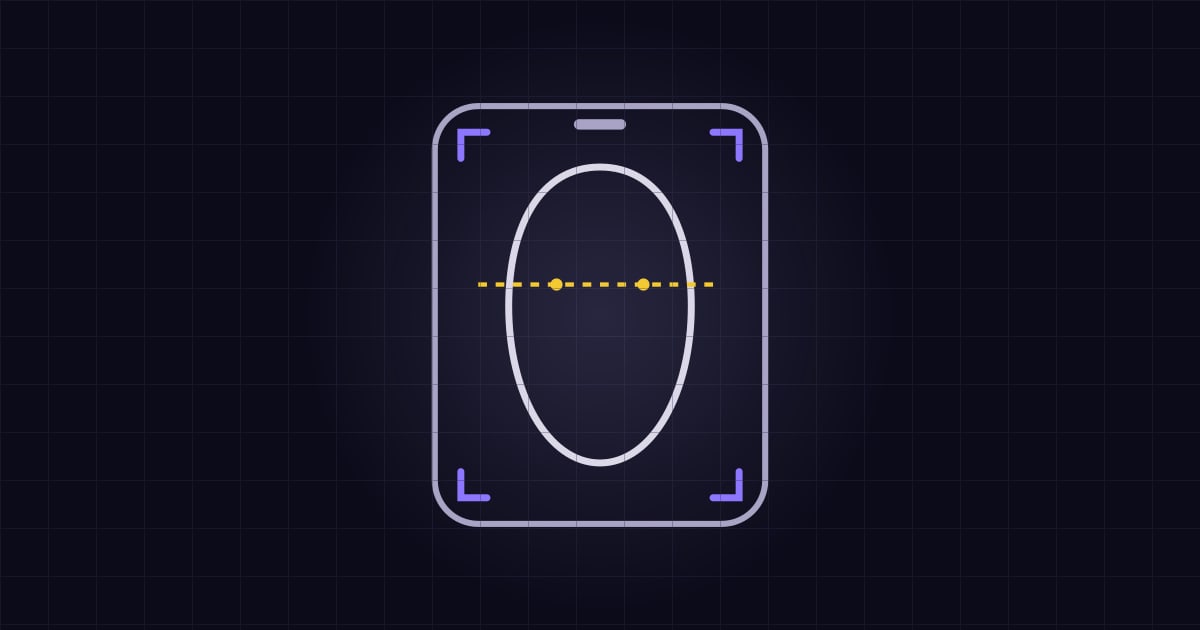
Hairstyle try-on apps work in one of two ways. Older apps place a hair image over your photo or live camera view, like a filter. Newer apps use generative AI to create a new image of you with a different hairstyle, while trying to keep your face the same. Either kind is useful for judging shape, length, and color on your own face. Neither can promise how your actual hair will behave after a real cut.
Overlays and AR
An overlay takes a hairstyle image and fits it to your head. Live AR versions track your face through the camera, so the “wig” moves as you turn.
They’re fast, and there’s a certain fun in moving around. But because the hair is pasted on, your real hair can show from behind it and the edges can look stiff. Overlays are better at answering “is this color too bright for me?” than “how would a shag sit around my face?”
Generative AI previews
Generative try-on creates a new image. You give it a photo and a target style, and the model tries to redraw the hair while preserving your face, skin tone, and pose. The result usually blends more naturally, with hair that seems to fit your head and lighting.
The trade-off is that it isn’t live, so you wait for each result, and generation has a real cost for the company. That’s part of why many apps limit free use. Results can also vary: a preview might slightly alter your features or make your hair look thicker than it actually is.
Where try-on helps most
- Length. It’s useful to see whether a chin-length cut feels too short before you commit.
- Fringe. Bangs are a classic anxious choice. Previews are a quick way to compare curtain bangs with side-swept bangs.
- Color. Seeing a shade near your own skin and eyes is much better than looking at a color swatch.
- Comparing two options. The same face in two different cuts makes it clearer which one you prefer.
What previews can get wrong
Density. Generated hair often looks thick and healthy. If you have thin or fine hair, expect the real version to have less volume.
Texture. Very curly hair may not turn straight without daily effort, and straight hair won’t hold curls unless you style it. A preview may not reflect that.
Hairline and growth pattern. Cowlicks, a widow’s peak, and a receding hairline can limit what’s possible. A preview may simply draw over them.
The back and side. Most previews focus on the front. You’ll still need to discuss the back with your stylist.
Daily styling. The picture shows the hair on a perfect day, not on a Tuesday morning when you have five minutes.
So treat a preview as a conversation starter, not as a contract. A stylist can tell you what will need to change for your hair. See our haircut terms glossary to help you describe what you want.
How to get a better result from any app
- Use a clear, front-facing photo with even light.
- Keep your hair out of your face, if you can.
- Remove heavy filters and sunglasses.
- Try the same style on two different photos. If it looks very different, the preview may be less reliable.
Our photo guide has more tips.
Questions to ask before uploading your photo
A face photo is sensitive data, so read before you tap upload:
- Who processes it? Many apps send images to cloud AI providers.
- How long is it kept? Look for specific retention times.
- Is it used for training? Look for a direct statement.
- Can you delete it? Look for a working option in the app, not only a vague promise.
- Do you need an account? Less data collected means less at risk.
- What does it cost? Check whether the features you want are free.
As an example, Hairover’s privacy policy says the app asks for permission before a photo is sent, names Google Cloud and WaveSpeed AI as the providers that process it, says it doesn’t use face data to train its own models, and offers Settings → Delete All My Data. It doesn’t require a name, email address, or password. Read the policy yourself, since terms can change.
What Hairover does
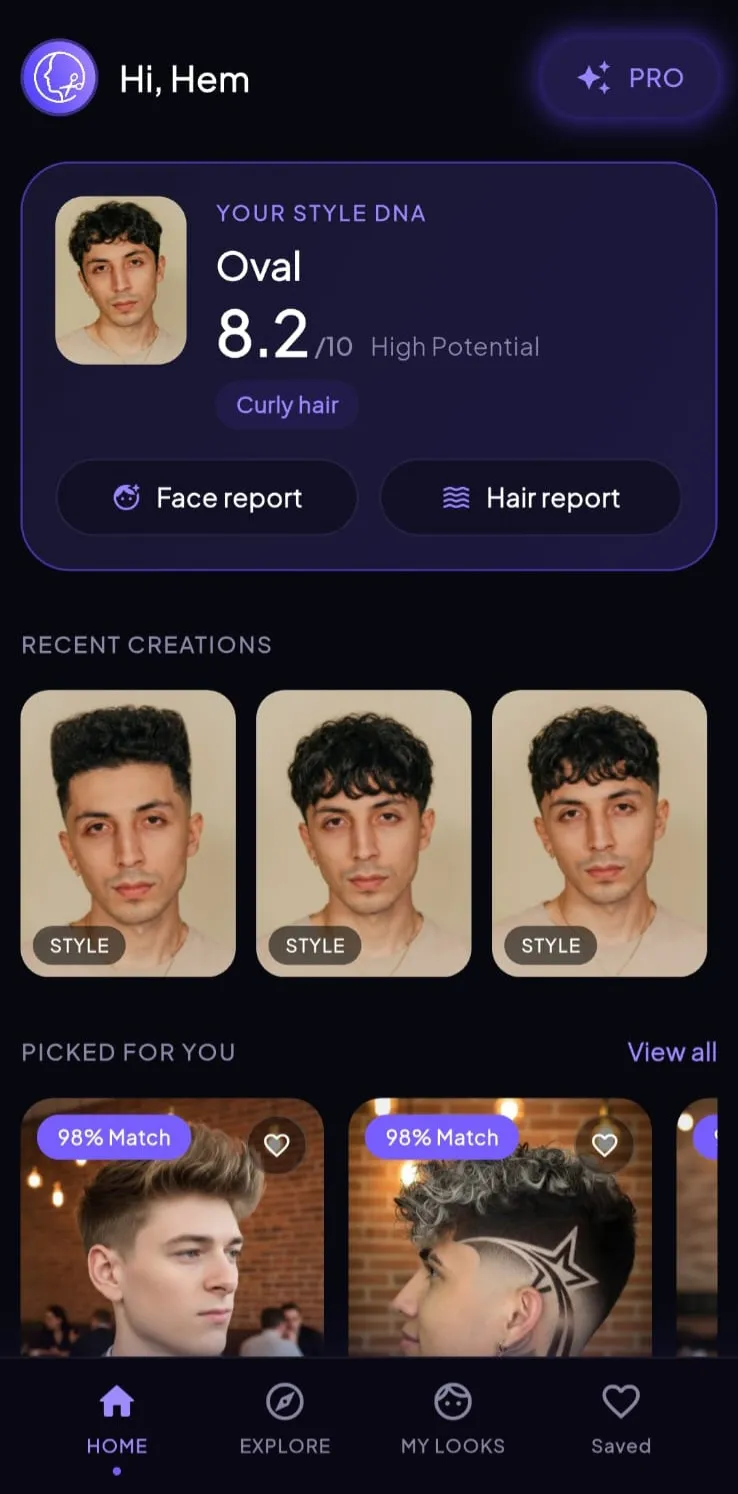
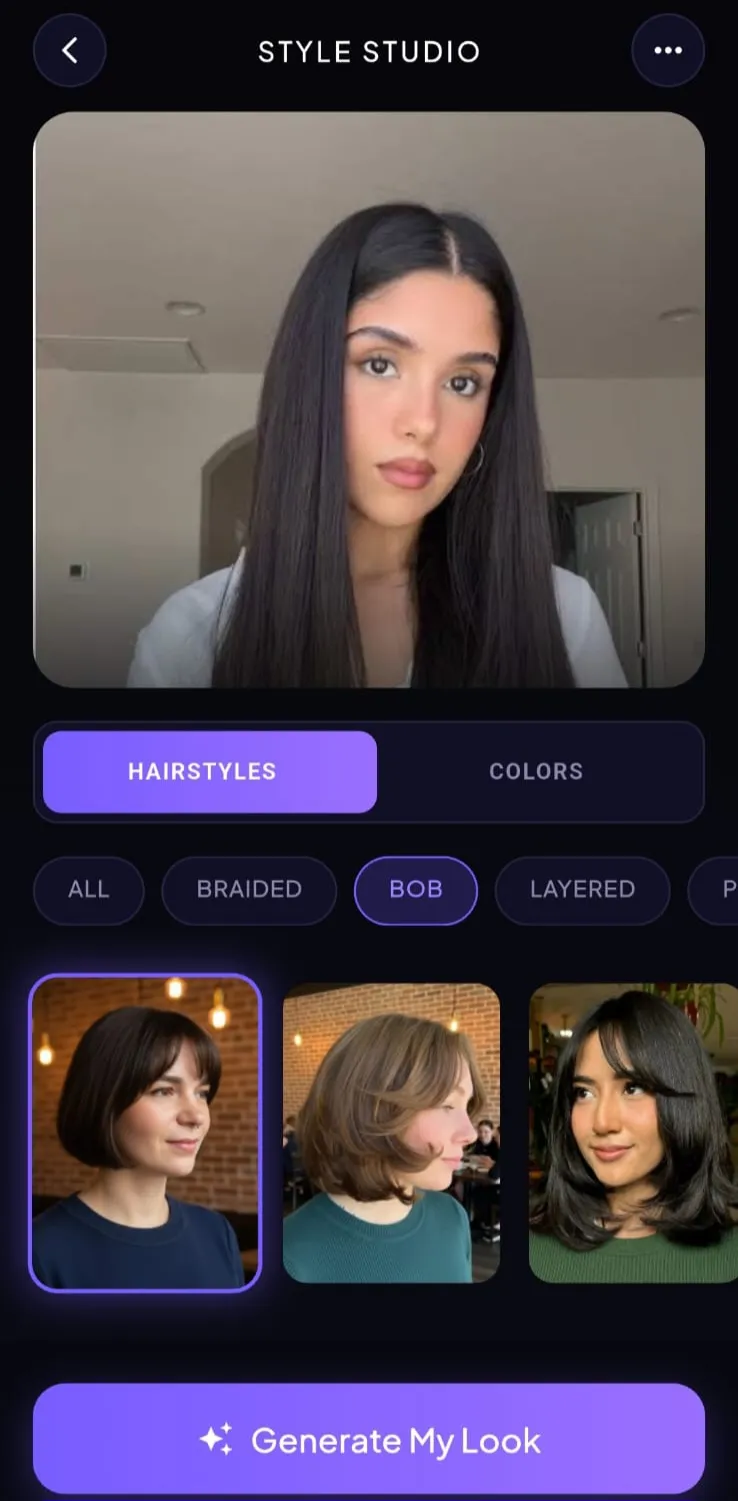
Hairover is an Android app that starts with an analysis of your photo: face shape, hairline, texture, length, and density. It uses that to rank AI hairstyle recommendations with a match score, and Style Studio lets you preview cuts and colors on your own picture. It also has a library of 100+ styles you can browse without submitting a photo. For more on the analysis step, see what AI hair analysis can and can’t tell you.
It’s a reference tool and not a promise of how a salon visit will turn out, so we recommend taking your favorite previews to your stylist.
Choosing without an app
You don’t need an app to choose well. Our guide to finding your haircut for free has steps that don’t need one. But a preview on your own face is often the fastest way to rule something out.
FAQ
How do hairstyle try-on apps work?
Older apps mostly lay a hair image over your photo or camera view. Newer ones use generative AI to create a new image of you with a different hairstyle, while trying to keep your face the same.
Are hairstyle apps accurate?
They are useful for judging shape, length, and color on your face. They can't accurately show how your hair's own density and texture will behave after a real cut.
Is it safe to upload my photo to a hairstyle app?
Read the privacy policy first. Check who processes the photo, how long it is kept, whether it's used for model training, and how you can delete it.
Does Hairover work on iPhone?
Hairover is available on Android through Google Play. An App Store listing is planned but isn't live yet.