Hairover
How to Take a Photo for Hairstyle Recommendations
Lighting, angle, and how your hair is placed all change what an app (or a stylist) can read from your photo. Run through this checklist before you upload.
2 min read
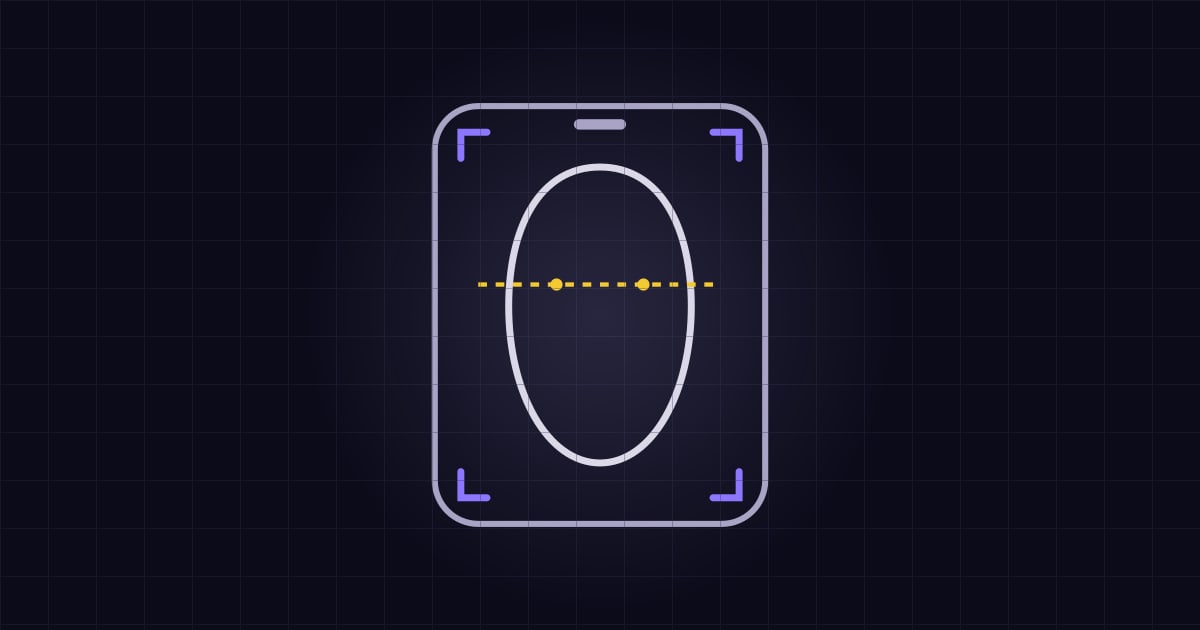
A hairstyle recommendation is only as good as the photo it starts from. Whether you’re uploading to Hairover or texting a reference to your stylist, the same things help: the camera needs to see your face, your hairline, and the real shape of your hair.
Face the light, skip the filter
Stand facing a window or another soft, even light. Overhead bathroom lights cast deep shadows under the eyes and nose, which confuses people and software alike. Skip beauty filters, heavy smoothing, and dramatic presets. They change the outline of your jaw and the texture of your hair.
Keep the camera at eye level
Hold the phone at eye height, not above or below. Shooting from above makes the forehead look shorter, and shooting from below makes the chin look longer. Hold it a bit farther away than a normal selfie so the sides of your head fit in the frame. Your ears, hairline, and the widest part of your cheeks should all be visible.
Show the hair you actually wear
If you’re deciding on a new cut, photograph your everyday hair, not a special-occasion style. Let curls be curls. If you usually wear a middle part, start with that. Move stray pieces off your face if they cover your features, but don’t clip everything back so tightly that your hairline looks different from real life.
A second photo from a three-quarter angle helps too. It shows how your hair sits over the ear and at the back of the crown, which a straight-on selfie can flatten.
What to skip
Skip group photos, sunglasses, and hats. Skip photos of other people, even if you love their cut. Those belong in a separate reference folder, not in an upload of your face. Skip screenshots of screenshots and use the original photo.
After you upload
Look at the results as a set of options, not a final verdict. Save two or three you’d actually wear on a normal weekday, then show them to a stylist who can turn a photo into a cut that works with your density and texture.
That first step, seeing ideas on your own photo before anyone picks up scissors, is exactly what Hairover is built for.
FAQ
What is the best lighting for a hairstyle photo?
Even, natural light from a window in front of you works best. Avoid strong overhead lighting, which casts shadows under the eyes and nose, and avoid light from behind, which hides your features.
Can I use a photo with a filter or heavy editing?
It's better not to. Filters and smoothing presets can subtly change the outline of your jaw and the look of your hair's texture, which makes it harder to match a hairstyle to your real features.
Do I need a professional photo?
No. A clear, well-lit phone photo taken at eye level that shows your hairline and your real texture is more useful than a professional shot where your hair is styled differently from how you normally wear it.