Feature 02
Hairstyle and Hair Color Try-On
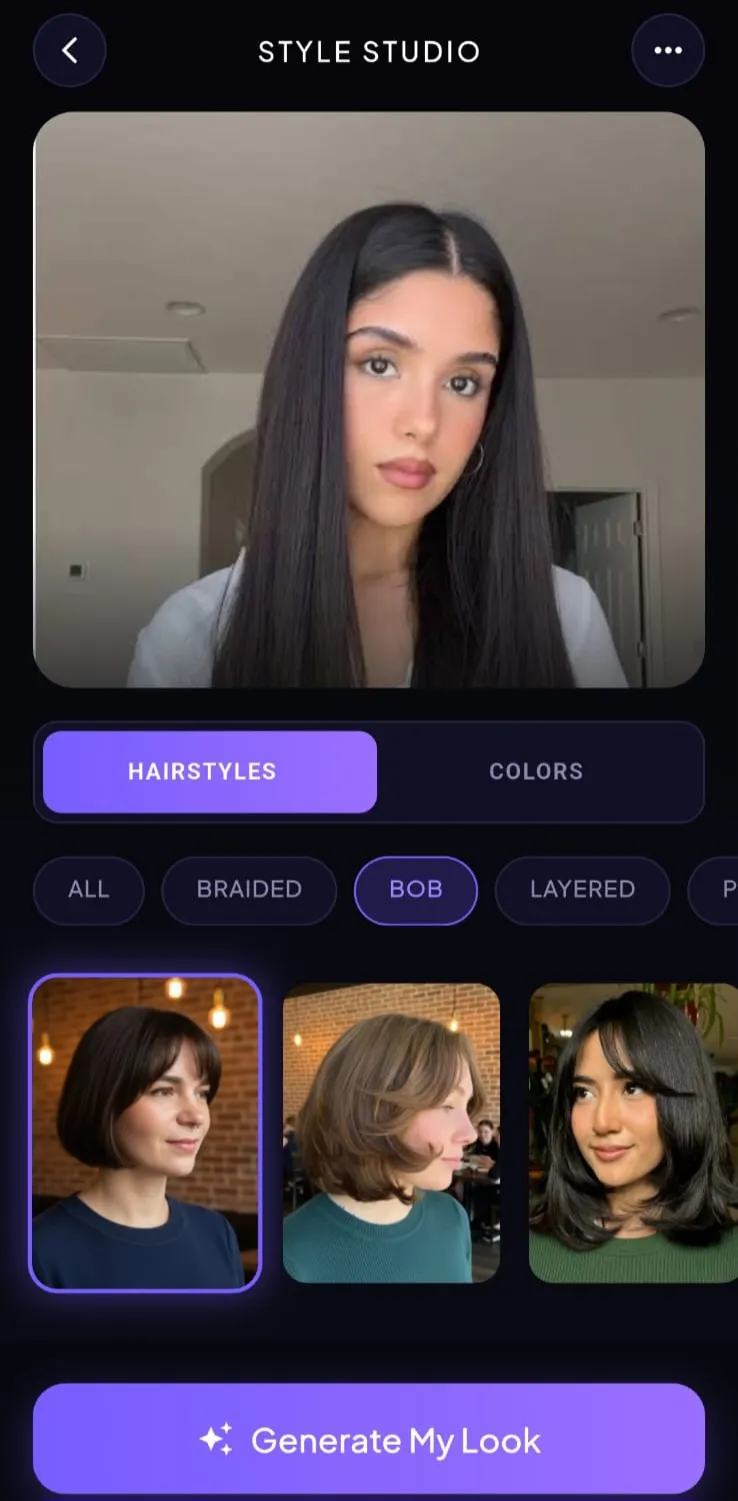
Style Studio lets you try a haircut or hair color on your photo before you commit: the same face, a different silhouette.
Switch between hairstyles and colors, then filter looks such as bob, layered, pixie, or braided. Generate a preview on your own picture so you can compare length, fringe, and shade against your features. Treat the result as a reference for a stylist, not a promise of how a salon visit will turn out.
- Virtual try-on on your uploaded photo
- Haircut and hair color in one studio
- Filters for bobs, layers, pixies, and more
Cuts and color in one studio
Toggle between hairstyles and hair color, then generate a look on the photo you already uploaded. You can compare a bob against layers, or a conservative shade against something bolder, without leaving your own face behind a model’s.
Take it to a stylist
Save the previews you would actually wear. A try-on is a silhouette to discuss. Density, growth pattern, and how you style in the morning still belong in the chair, not only on the screen.


More inside Hairover
Google Play & App Store
Ready to find your next hairstyle?
Upload a photo in Hairover and try men’s and women’s haircuts on your own face (crops, fades, bobs, layers, and more), then take a still to the chair.