01
AI-powered
Explore hairstyle ideas with help from Hairover’s analysis of your look.
AI-powered hairstyle studio
Upload your photo and discover hairstyle ideas personalized to your look with Hairover.


01
AI-powered
Explore hairstyle ideas with help from Hairover’s analysis of your look.
02
Personalized
Recommendations start from your photo, not a generic gallery of models.
03
Easy to use
Upload a clear photo and begin comparing cuts, lengths, and styles.
04
On your phone
Available on Google Play, with an App Store listing on the way.
Watch the film
One photo in, a shortlist of cuts out. See the face analysis, the style studio, and hair color try-on in action.
The process
Choose a photo that clearly shows your face and hair.
Hairover helps analyze your appearance to explore suitable hairstyle options.
Explore recommendations and hairstyle ideas for your next look.
Lookbook
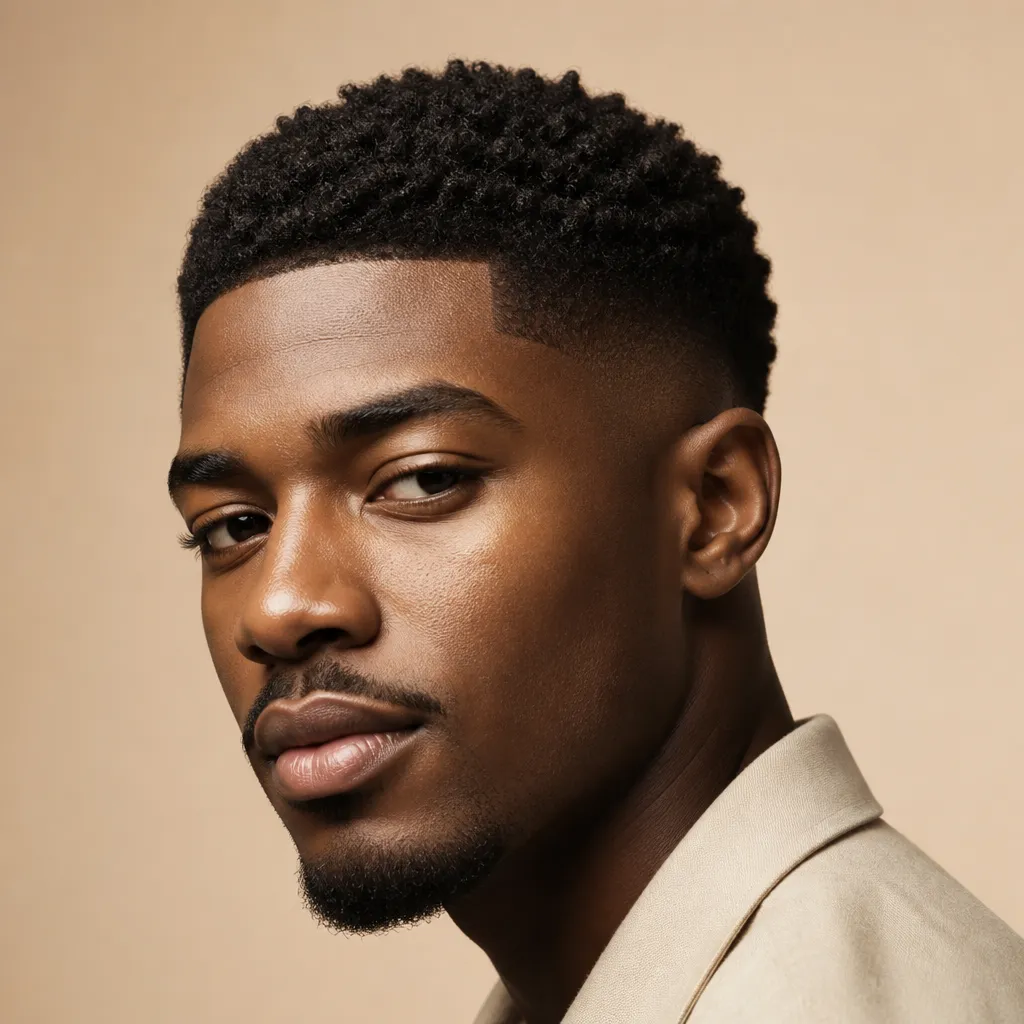
Crops, fades, texture, and longer looks worth exploring on your own photo.
View guide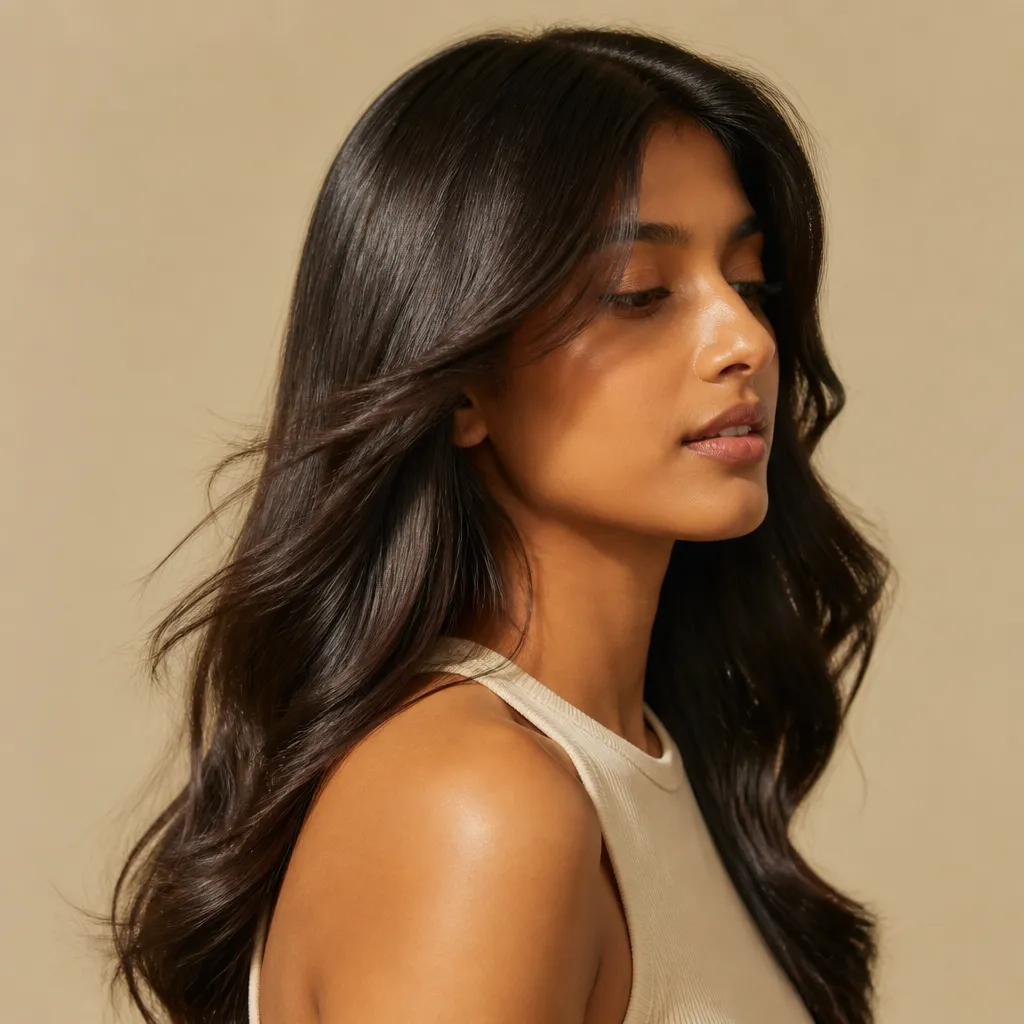
Bobs, layers, bangs, and long styles to compare against your features.
View guide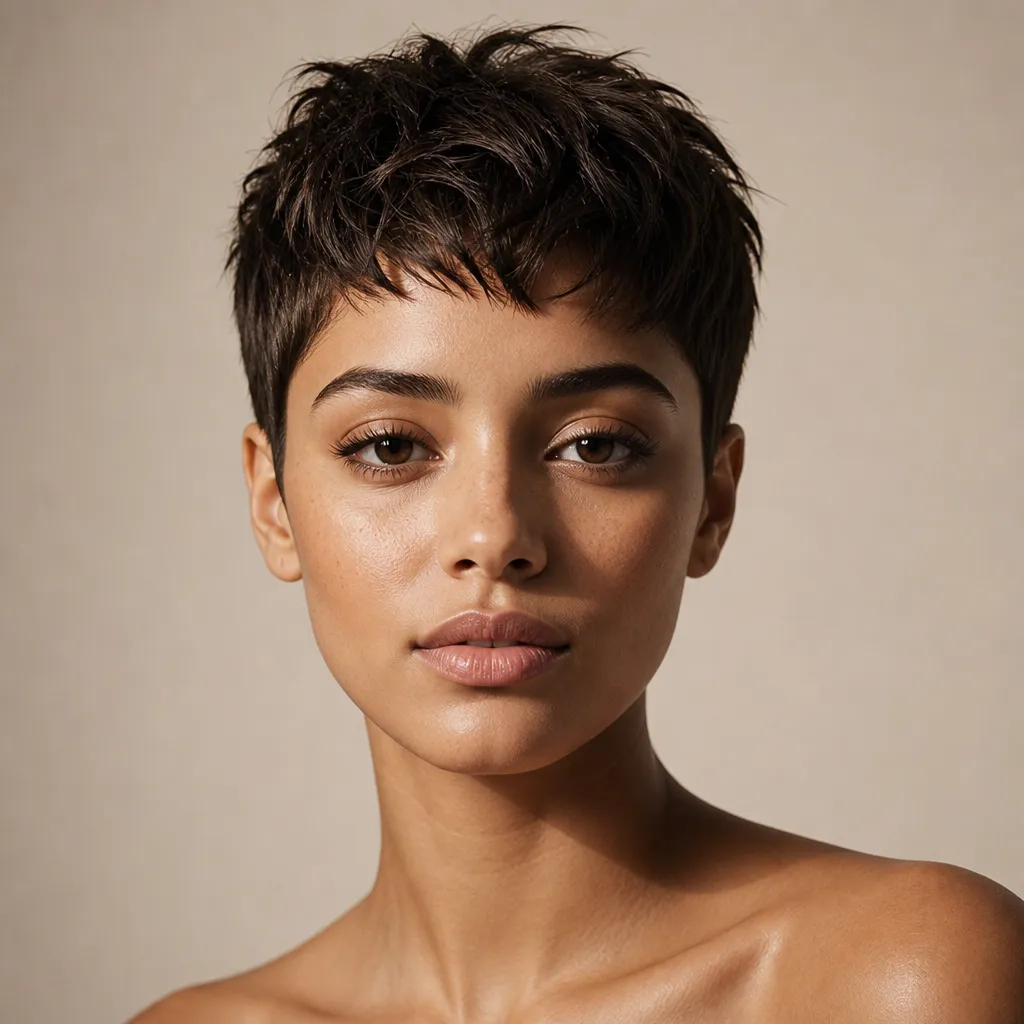
Pixies, crops, and bobs that rely on cut and texture more than length.
View guide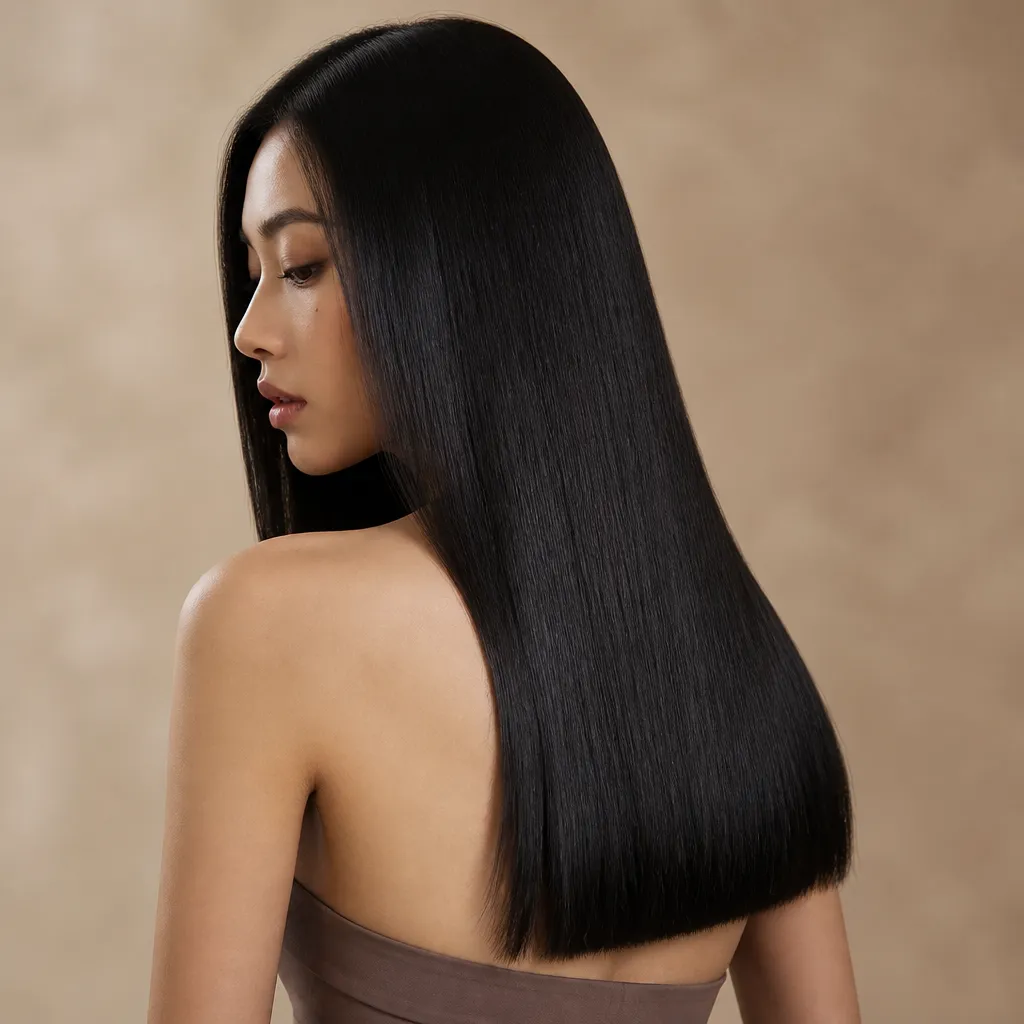
Layers, waves, and blunt ends that keep length without looking heavy.
View guide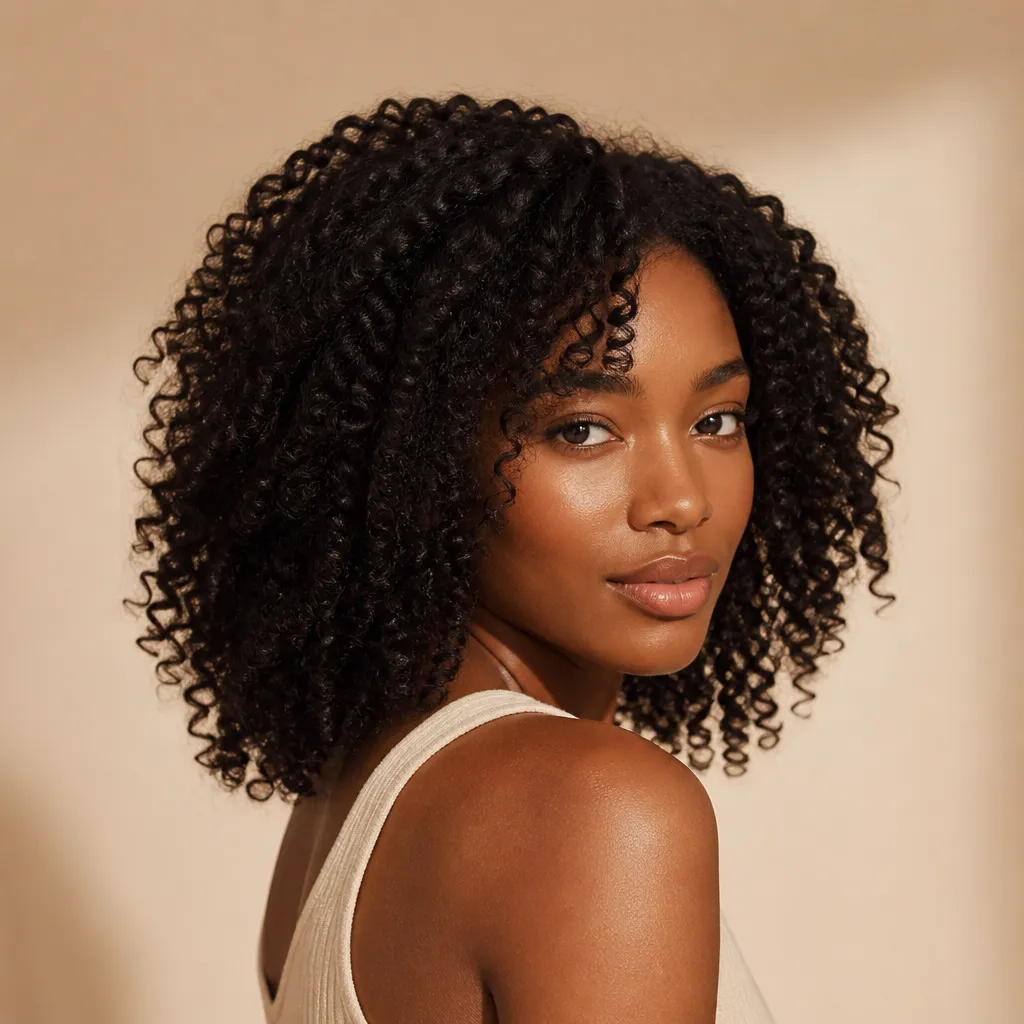
Cuts and shapes that work with curl pattern instead of fighting it.
View guide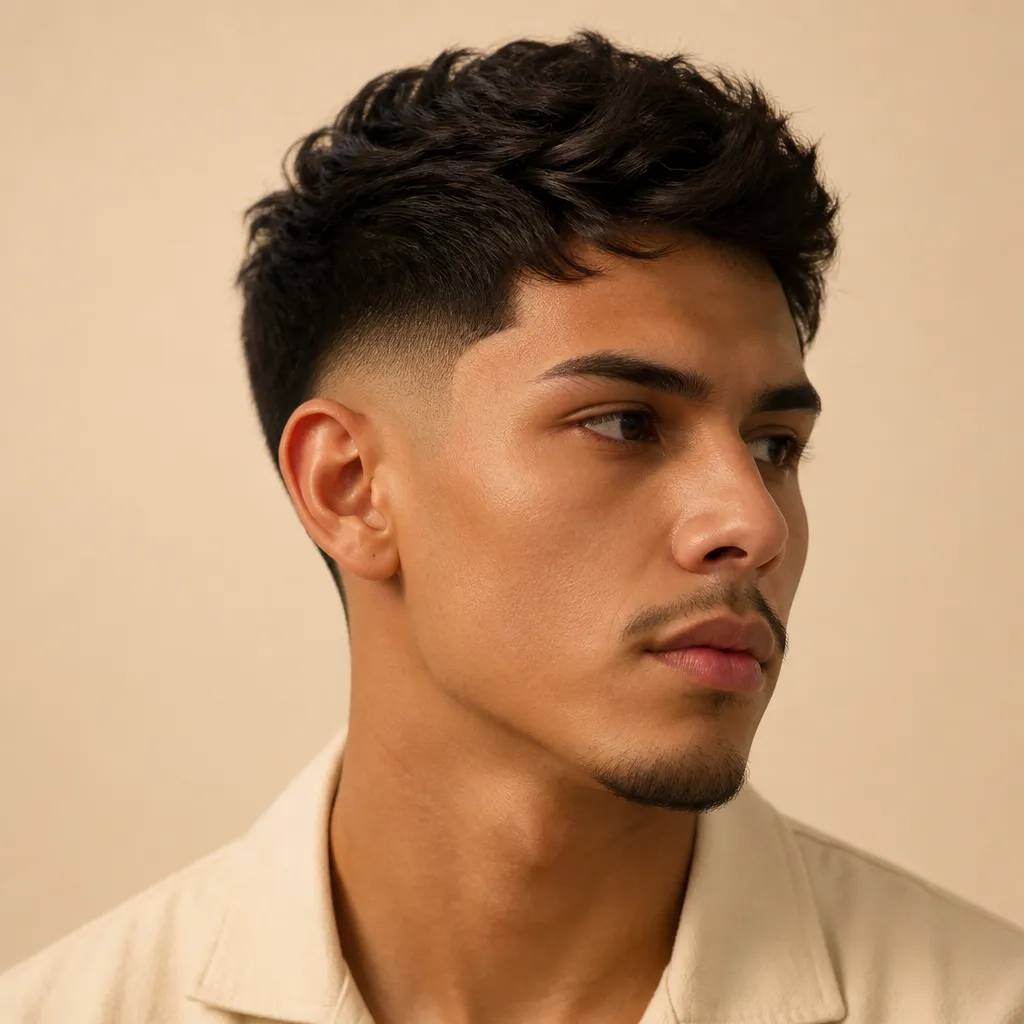
Low, mid, and high fades, and the contrast that changes how a cut reads.
View guideShapes often explored to add height or a longer outline.
A flexible starting point, still worth matching to your texture.
Looks that soften or complement a stronger jawline.
A gradual taper from the sides into longer hair on top. The fade height changes the contrast as much as the style on top does.
A center-parted fringe that opens around the face. Often used to soften a forehead or add a frame without committing to a full blunt bang.
A long bob with layers for movement. Often worth exploring if you want a clearer outline than long hair, without going fully short.
A short, shaped cut that relies on the outline around the face. Often worth exploring if you like a defined silhouette and quicker mornings.
A relaxed wave pattern that adds movement to medium or long hair. Often used to soften angles without a dramatic cut.
A short cut with movement on top and a tighter perimeter. Often worth exploring if you want a low-fuss shape that still has texture.
Inside the app
Four tools, one photo. Open a feature for the screen, how it works, and what to expect before you download.
Read face shape, hairline, texture, and density from a photo.
Read morePreview a cut or color on your own photo in Style Studio.
Read moreGet picks matched to your look, with a score for each style.
Read moreBrowse 100+ cuts for men and women, then try the ones you like.
Read moreReviews
Awesome app! It perfectly recommended the best hairstyles and haircuts.
KiranGoogle Play
The face analysis was the part I needed. I stopped guessing from celebrity photos and compared cuts against my own hairline.
AmiraAndroid
Trying a fade on my photo before the barber was the whole point. I walked in with two looks instead of a vague Pinterest board.
LeoAndroid
Match scores helped me skip styles that would not sit on my face. I still asked my stylist to adapt the length — the app got me close.
SanaAndroid
A useful map, not a verdict
Face-shape notes are a starting point. A style that is commonly recommended for one outline can still look wrong for your texture, and a “rule-breaker” can look considered. These guides use language like often works well and worth exploring, not “perfect.”
A balanced outline that can wear many shapes. Texture and lifestyle still decide the cut.
Oval hairstyle guideLooks that add height or a longer line are commonly recommended. Softness can still suit you.
Round hairstyle guideCuts that soften or complement a defined jaw. Both approaches are worth exploring.
Square hairstyle guideWider at the forehead, narrower at the chin. Balance is the usual goal, not a single cut.
Heart hairstyle guideA longer outline that often benefits from width, bangs, or less extra height.
Oblong hairstyle guideNarrower forehead and jaw, wider cheekbones. Framing the mid-face is often the useful move.
Diamond hairstyle guideQuestions
Hairover is an AI hairstyle app. It helps you explore hairstyle ideas from a photo of yourself, with recommendations shaped around your look. It is available on Google Play, and an App Store listing is planned.
You upload a photo that clearly shows your face and hair. Hairover is designed to consider your appearance, including face shape and hair characteristics described on the app listing, and then show hairstyle options to explore. Treat the results as ideas to discuss with a stylist, not a final prescription.
Yes. It can help you compare cuts, lengths, and styles before you sit in a salon chair. It does not replace a hairstylist. Your texture, density, lifestyle, and how you like to style your hair still matter when you decide.
Use a well-lit photo that clearly shows your face and current hair. Look toward the camera, keep hair away from covering your face if you can, and avoid heavy filters. Only upload photos of yourself, or photos you have permission to use.
Yes, on Android. Hairover is available on Google Play. An iOS listing is coming; the App Store button on this site is a placeholder until that listing is live.
Hairover is free to download on Google Play. The Play Store listing notes that the app contains ads and offers in-app purchases. Exact pricing can change, so check the listing for current purchase options.
Expand a question to read the answer.
Google Play & App Store
Upload a photo in Hairover and try men’s and women’s haircuts on your own face (crops, fades, bobs, layers, and more), then take a still to the chair.