Feature 04
Explore Various Styles and Try
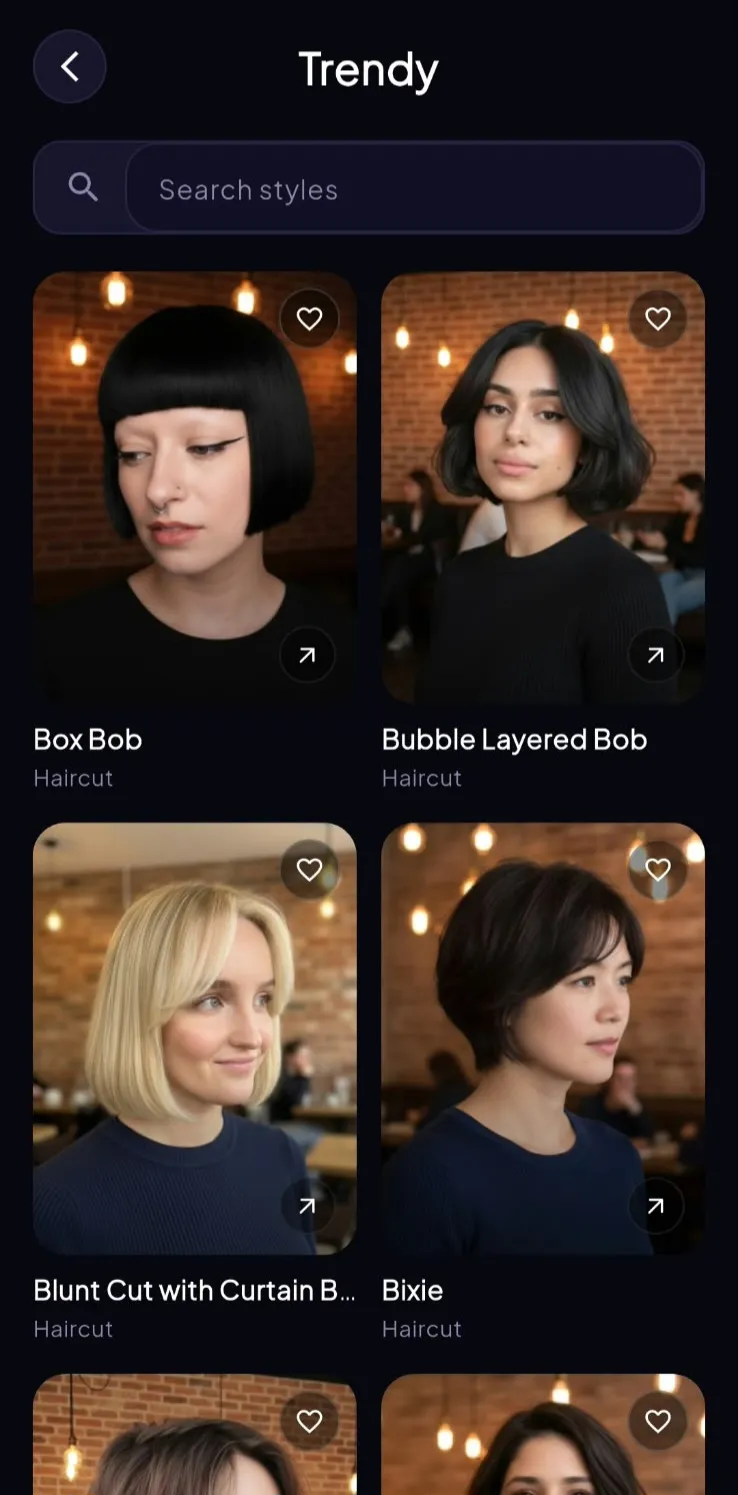
The library is for browsing by look (professional, casual, fades, curls, length), then trying a style on your photo when something clicks.
Search and filter more than a hundred hairstyles for men and women. Save favorites, compare silhouettes, and take a shortlist to your next appointment. Use the guides on this site for face-shape context, then preview the actual cut on yourself in the app.
- 100+ hairstyles for men and women
- Browse by category, search, and save
- Jump from a card into try-on on your photo
Browse, then try it on you
The grid is a lookbook: classic side parts, fades, pompadours, bobs, and more. When a card feels close, open it on your photo instead of guessing from someone else’s jawline and density.
Guides on this site
Hairstyle and face-shape pages here are starting points, organized by length, texture, and outline. Use them to gather language for a salon visit, then confirm the silhouette in Hairover before you sit down.


More inside Hairover
Google Play & App Store
Ready to find your next hairstyle?
Upload a photo in Hairover and try men’s and women’s haircuts on your own face (crops, fades, bobs, layers, and more), then take a still to the chair.